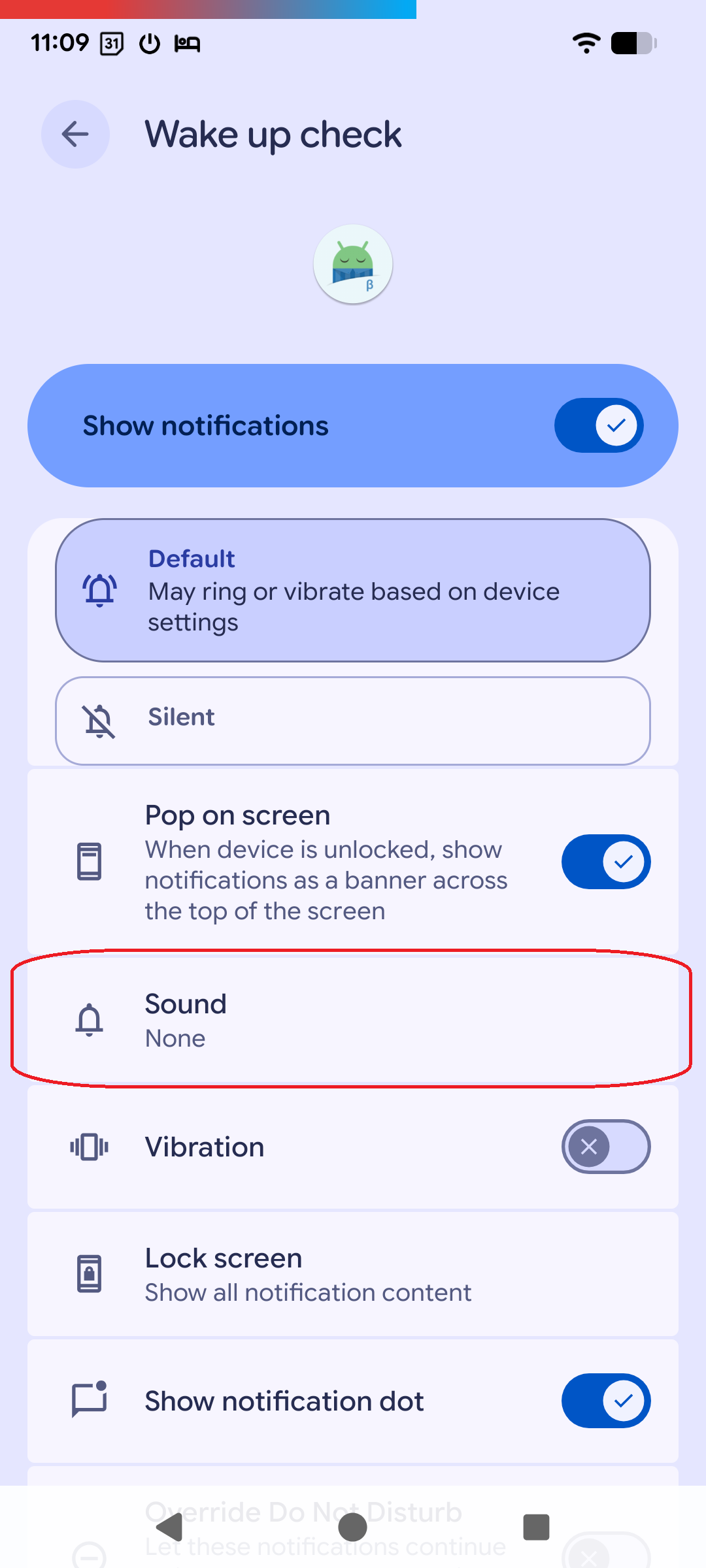
Not sure if this came with the 20260121 version or if it is due to a system update for my phone (Google Pixel 7a). Also not sure if it’s a bug or a feature:
Until recently, I could pick a dedicated ringtone for the Wake Up Check feature, which was quite useful for me as I usually have a rather non-obtrusive notification tone enabled - except for those notifications I really don’t want to miss. Unfortunately, this option seems to have disappeared about a month ago. Now I can only choose between “Silent” and “Default - May ring or vibrate based on device settings”, which is pretty uncomfortable, as it makes me miss the confirmation screen while I am making my morning coffee so I’ll have to do the whole capture procedure again. (Unless I change my standard notification tone that otherwise works for me to a louder one.)
Is there anything I can do to get that option back?