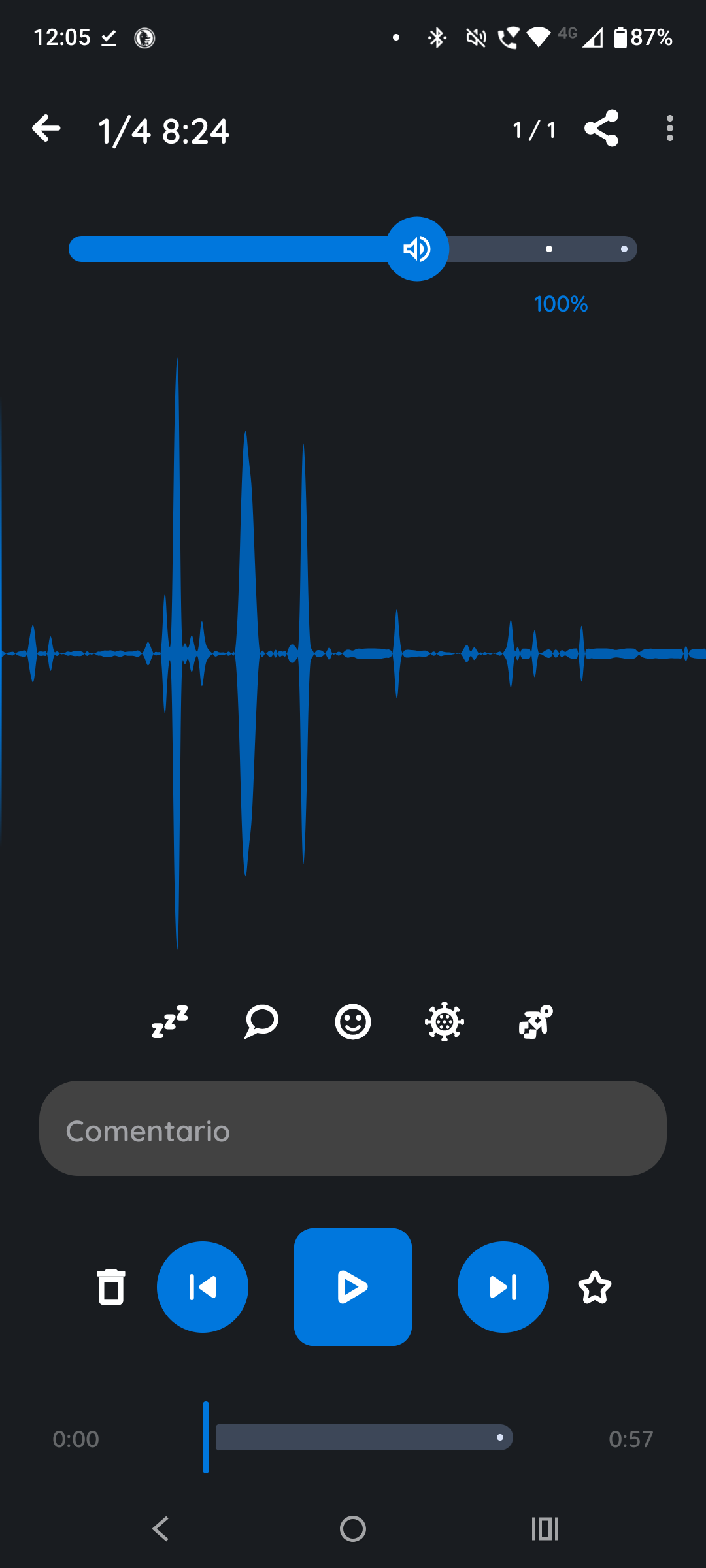
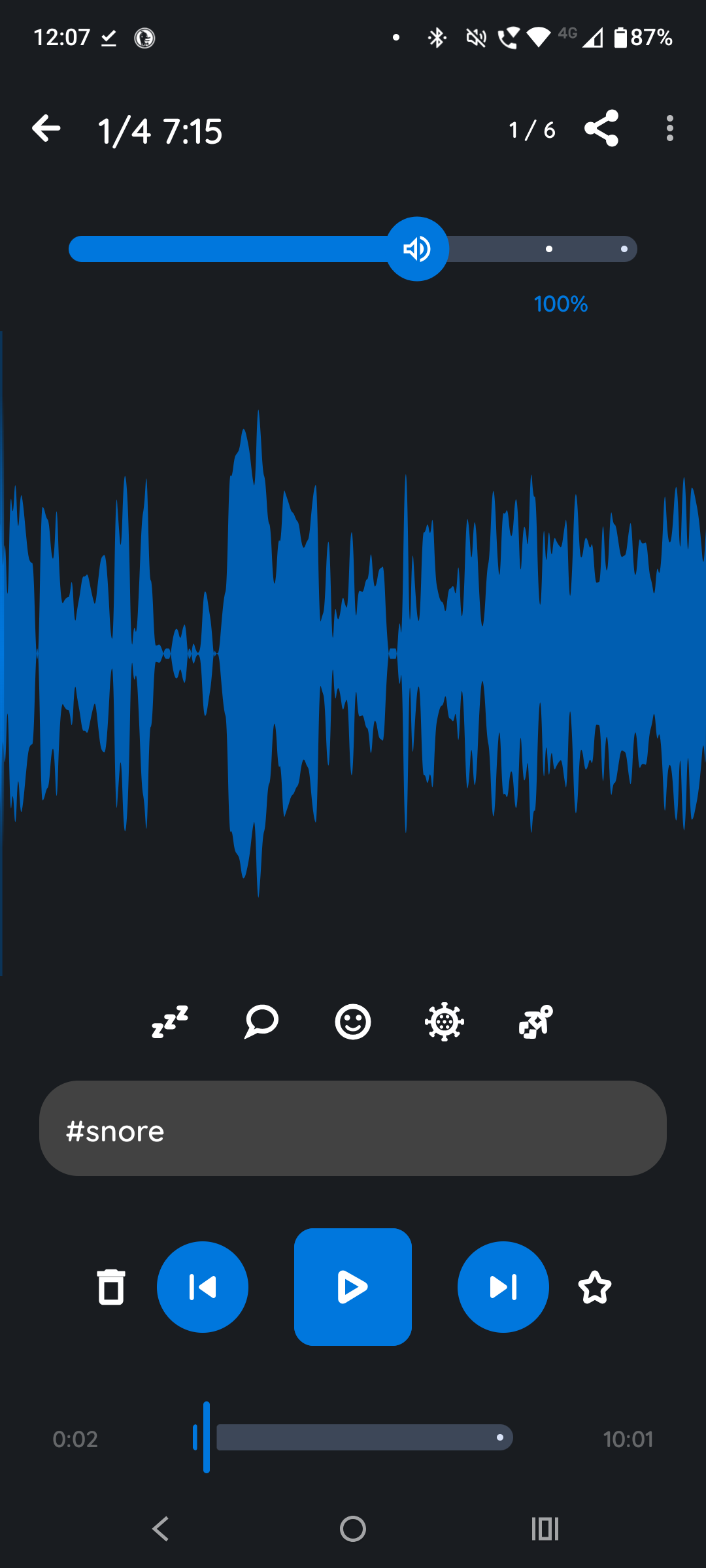
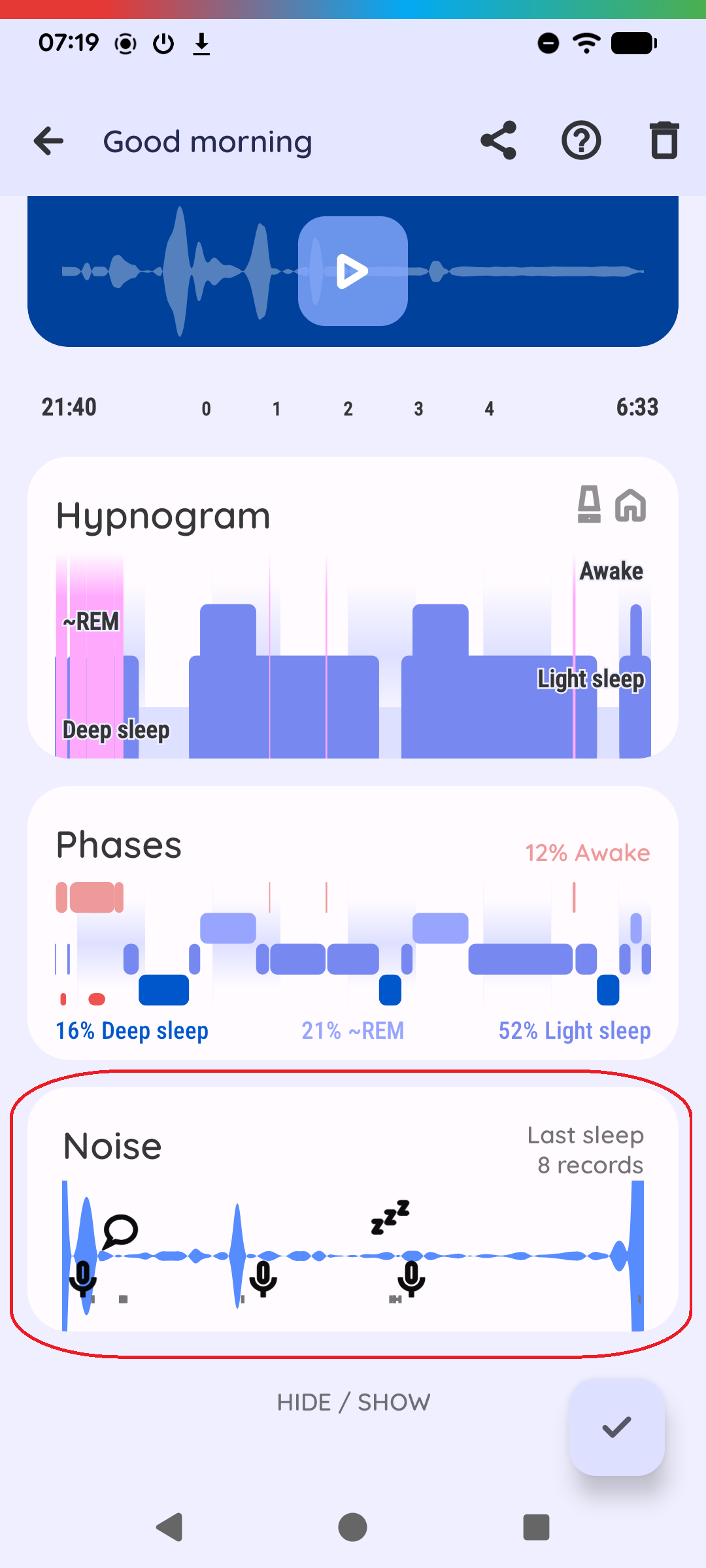
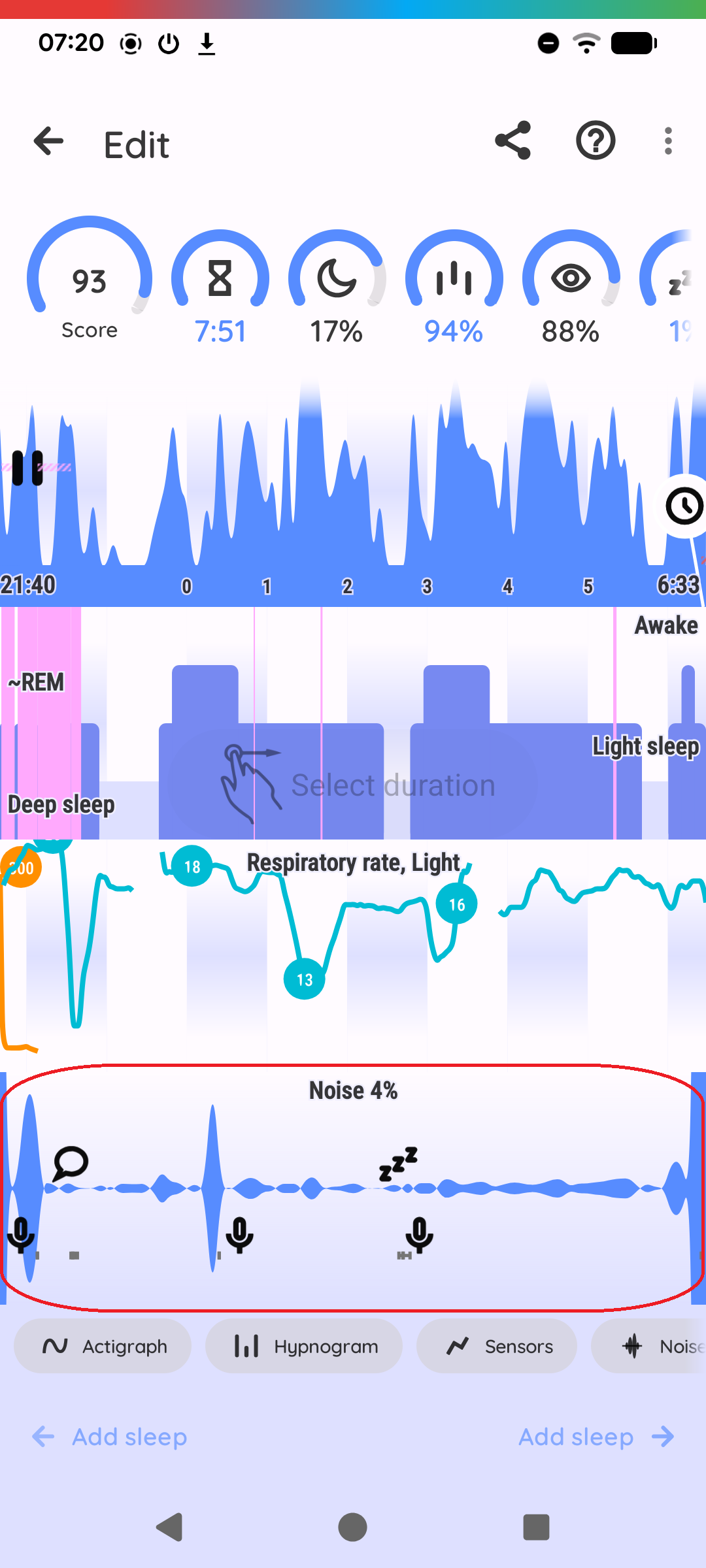
Records significant sounds while you sleep and builds a ambient noise-level graph for the night. It also classifies the sounds into categories including snoring, talk, coughing, laughter, baby cry.
Hi @stiket, when the app mislabels the sound recording, the app will automatically sometimes offer you to share the misclassified files with us (not always, as we did not want to bother users too much).
The address should be already filled in, but you can also send them to support@urbandroid.org.
I sleep with TV/music in the background so stopped using this feature due to it always recording thru background sound. Is there anyway to play with the settings to help prevent this?
Hi @Sarah, the app records all sounds, that match the criteria. You can change the criteria by changing the noise recording threshold, so the sound needs to be louder to trigger the recorder.
It is not possible to record only snoring, because even when the sound analysis runs in real time, it takes a bit before the sound classifier analyzes the sound. If the app waited for the result of the sound classification before starting the recorder, the sound could already be over (so the app would probably miss the sounds). Detecting sound level does not require any time, so the app immediately knows if the sound matches the criteria or not and can record the sounds.
When I dream, as soon as I awake, I like to speak out a summary of the dream so I can remember it the next day. I’ve tried this a few times now with Sleep As Android, but the recording is never there in the morning. There is only the sound of me turning over in bed, or sometimes snoring. Why is that?
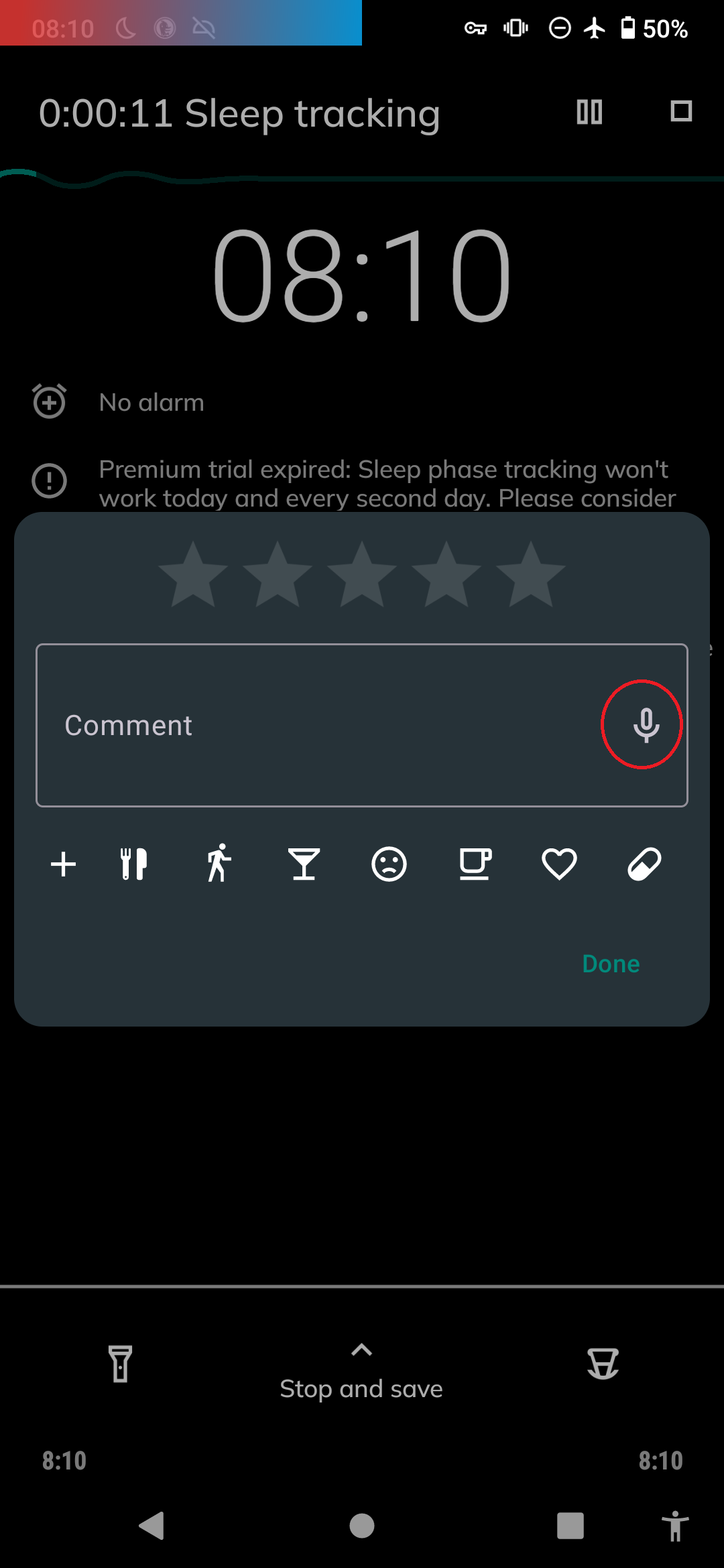
Hi @Nobody, for taking notes, there is a note taking feature with mic dictating on the tracking screen. If you pull up the menu, and tap the pencil icon, you can tap the mic icon and start dictating the note you wish to save.
The speech recognition engine on your phone will translate it to a text, and the app will save it as a comment.
Hi @Sarah, how does the Noise graph look like?
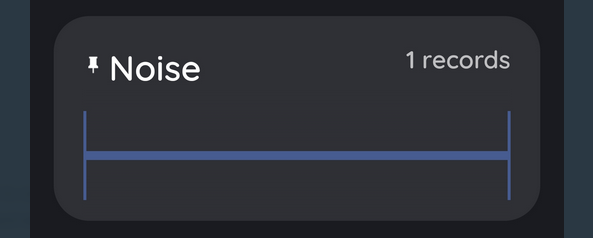
If the app cannot access the mic at all, you will have a suspiciously flat Noise graph (and no recordings).
If the app can use the mic for sound analysis, but has trouble saving the recorded file, you will have a normal Noise graph, but no recordings.
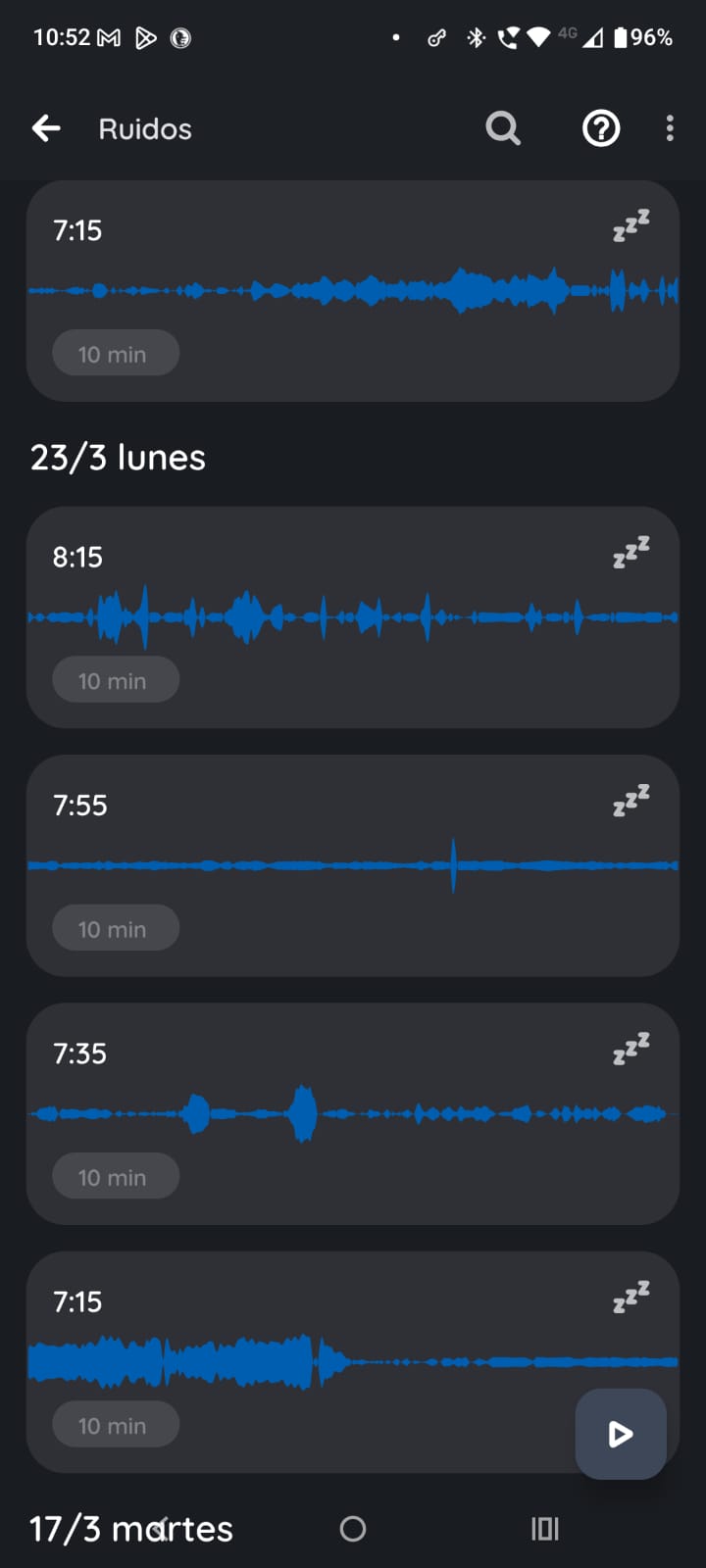
The noises start recording at 7:15 am. This graphs show recordings from march 24 and 23, all showing the same. The is recording sound, but, from that time forward.
Couldn’t upload more images because restrictions on the forum but the pattern remains
I mean the Noise graph on the final sleep graph - the card on the resulting graph from one night.
This Noise graph shows the progress of the noise recorded by the mic during the whole night.
It looks either like this:
If the graph is not flat, but there are no recordings saved, the app has access to the mic, but might not have permission to save the files. If you reset the Noise path to the default one, is it saving the files?
Its detecting fan sound as snoring. I tried setting noise detection to low then lowest, even then its only detecting fan sound and detection increased after lowering sound detection.