I’m not getting any information in my Health Connect app. As far as I can tell I’ve done everything I’m supposed to do to make sure that Sleep as Android can talk to Health Connect. And I know that when I first connected it to SaA, I did get some Health Connect information. I’m not exactly sure when it stopped. The way I understand it, is that sleep as Android forwards the information to Health Connect. So what does it mean if there’s no information in Health Connect at all? I sure could use some help! Thank you!
1 Like
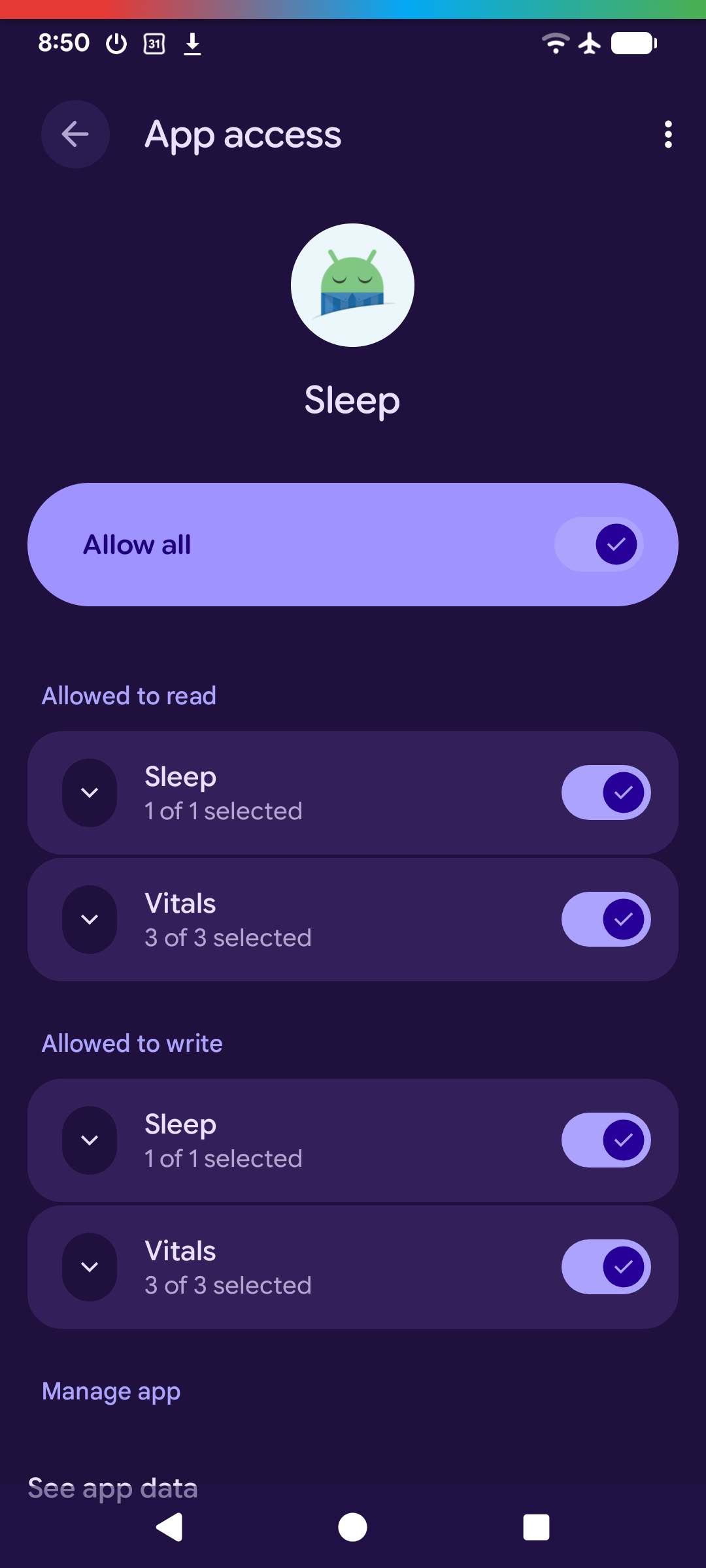
Hi, do you see any error messages after using the sync button in the HC section of Sleep? Are all permissions granted (both read and write)? Please contact support@urbandroid.org, or use the Left ≡ menu → Support → Report a bug. Thank you.
Hi Lenka, thanks for responding so quickly. I’m sorry to say that I don’t understand. What is the sync button and where is the HC section?
And, are the read and write permissions in the same place?
Thanks, Nancie
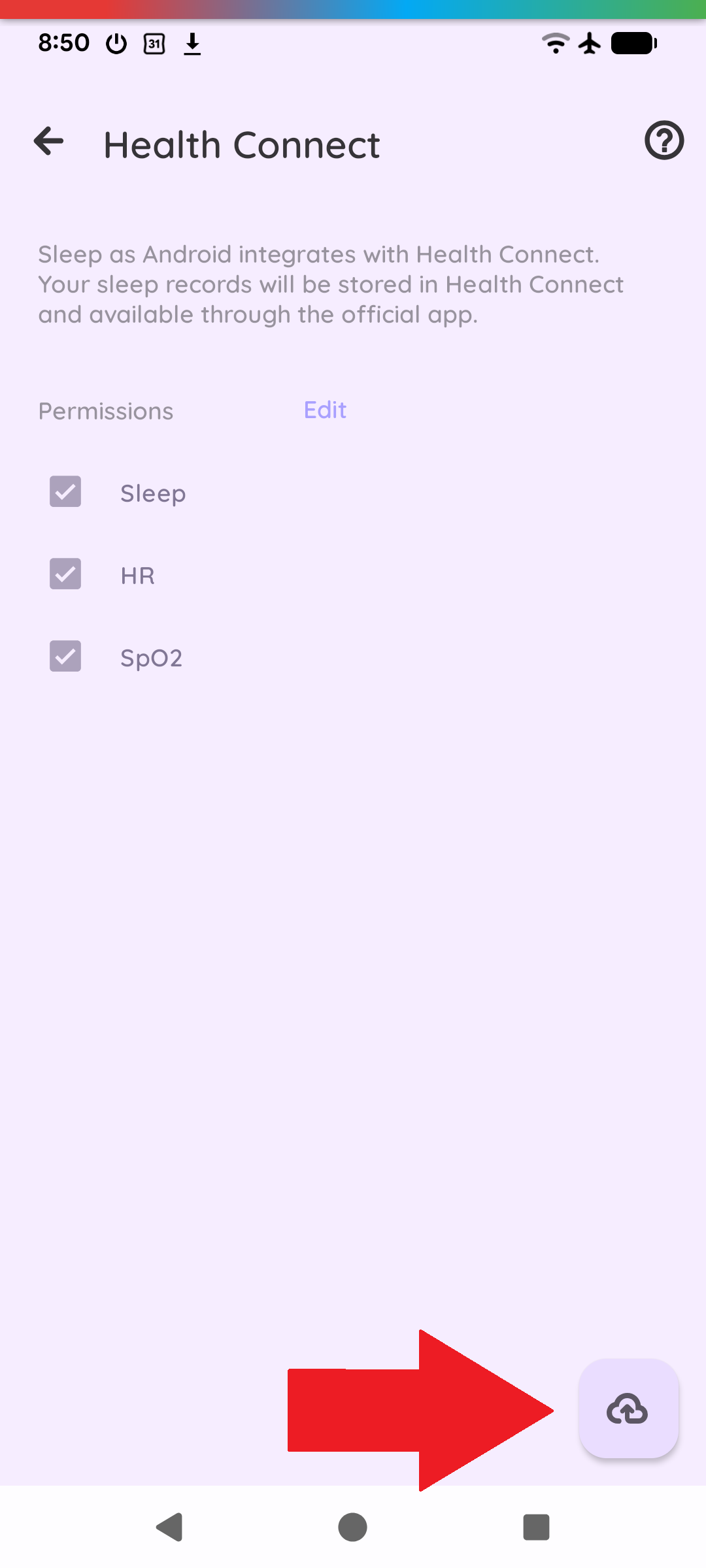
Hi, the HC section of Sleep is the same place where you configured the link between Health Connect and Sleep so Sleep as Android can talk to Health Connect; in the Sleep app in Settings > Services > Health Connect.
The sync cloud button in this section is this one:
Permissions in Health Connect are in one place:
1 Like
Thanks Lenka! I didn’t know about that screen! I thought that the screen that comes right before that one was the last one. I didn’t realize I could go to one more. And that’s where I found all those things that you told me to look for like the HC sorry I can’t remember it now because I can’t look at your message when I typed this but that and the sink button all that. So somehow I realized I needed to click something and there it was. So thank you so much! Since then now everything’s been connected and syncing really nicely. 
Ok, perfect.
If you need an extra manual sync, you can also go to the Left ≡ menu → Backup → Download from / Upload to Health Connect.
Thanks!
1 Like