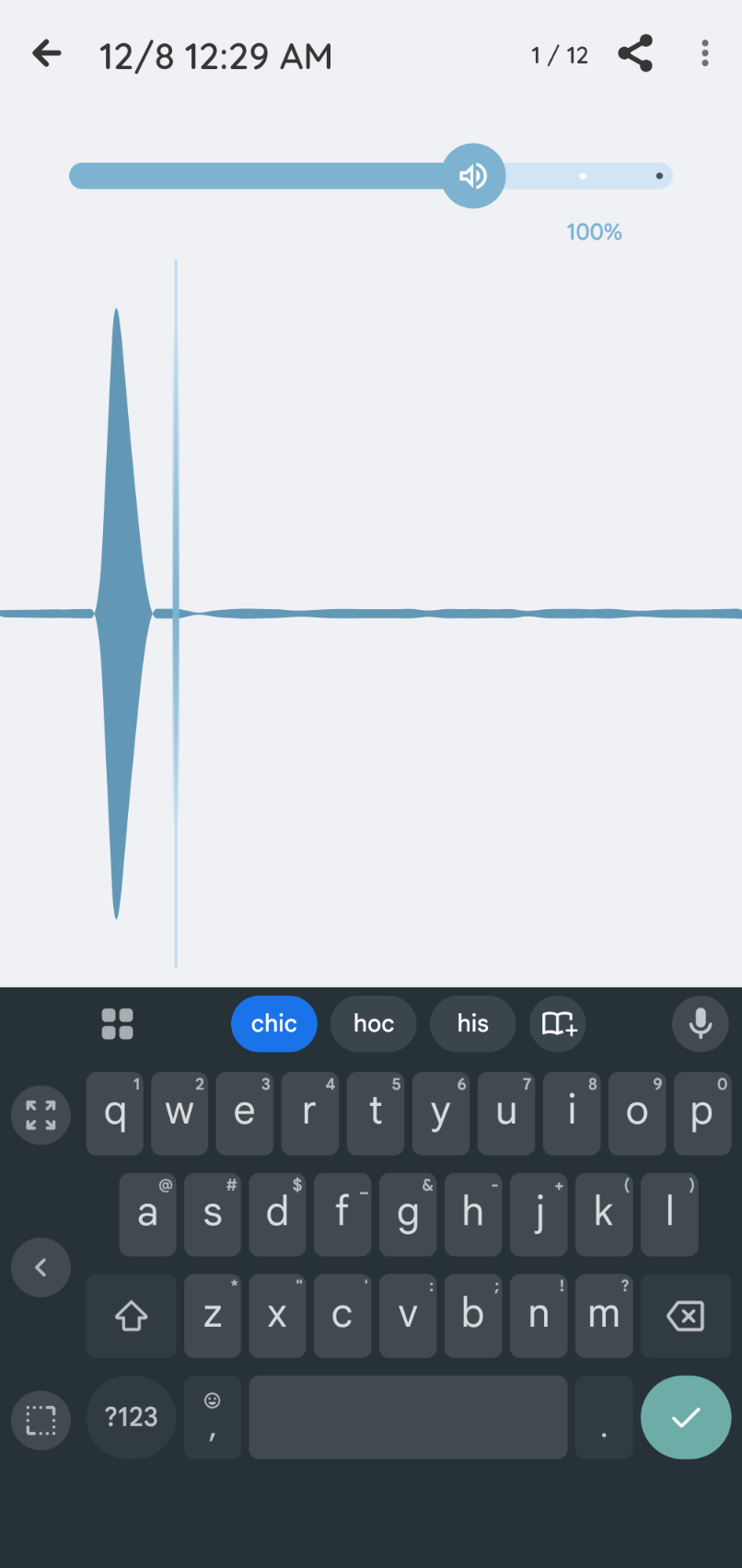
Detailed description of the problem:
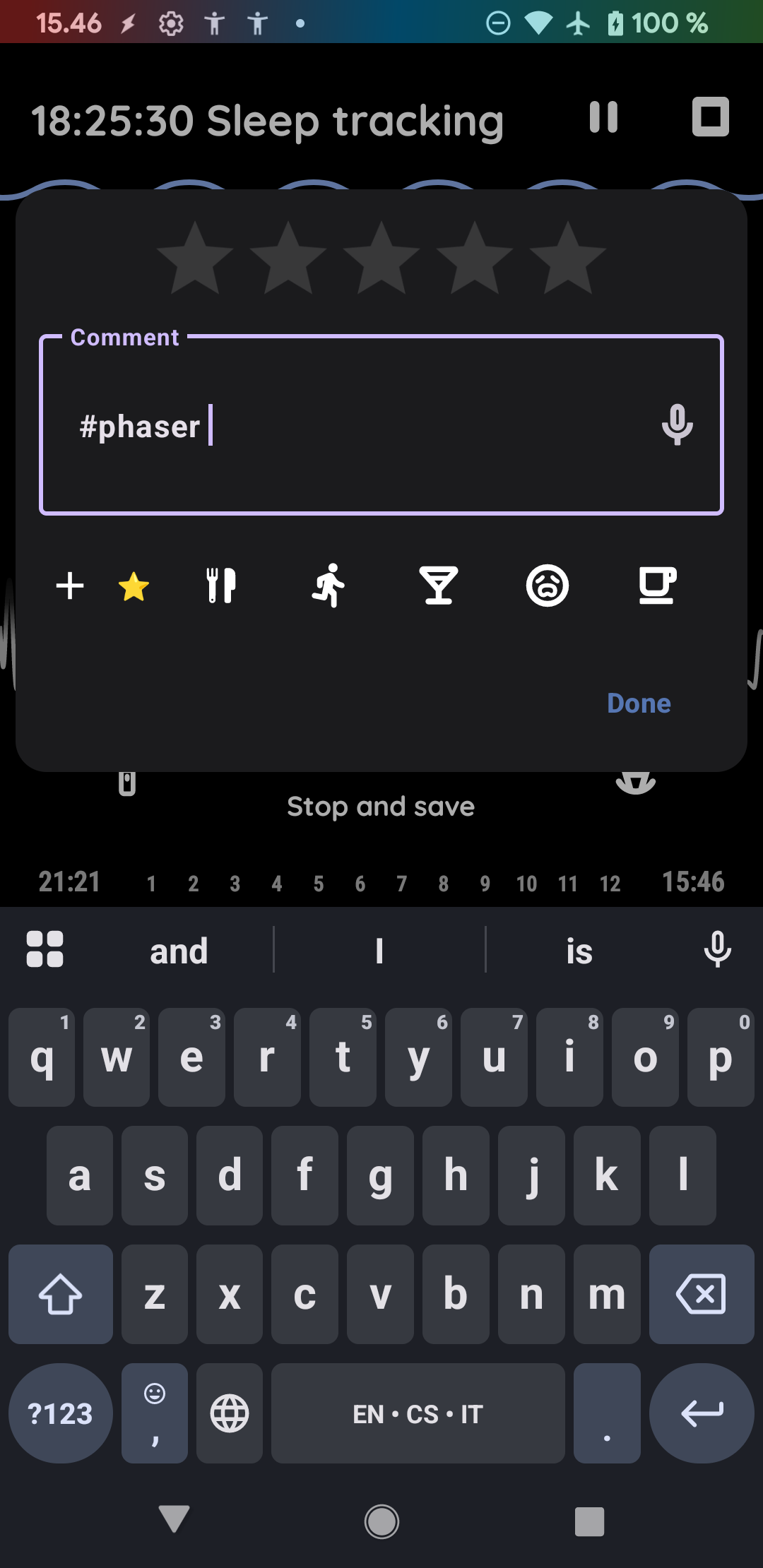
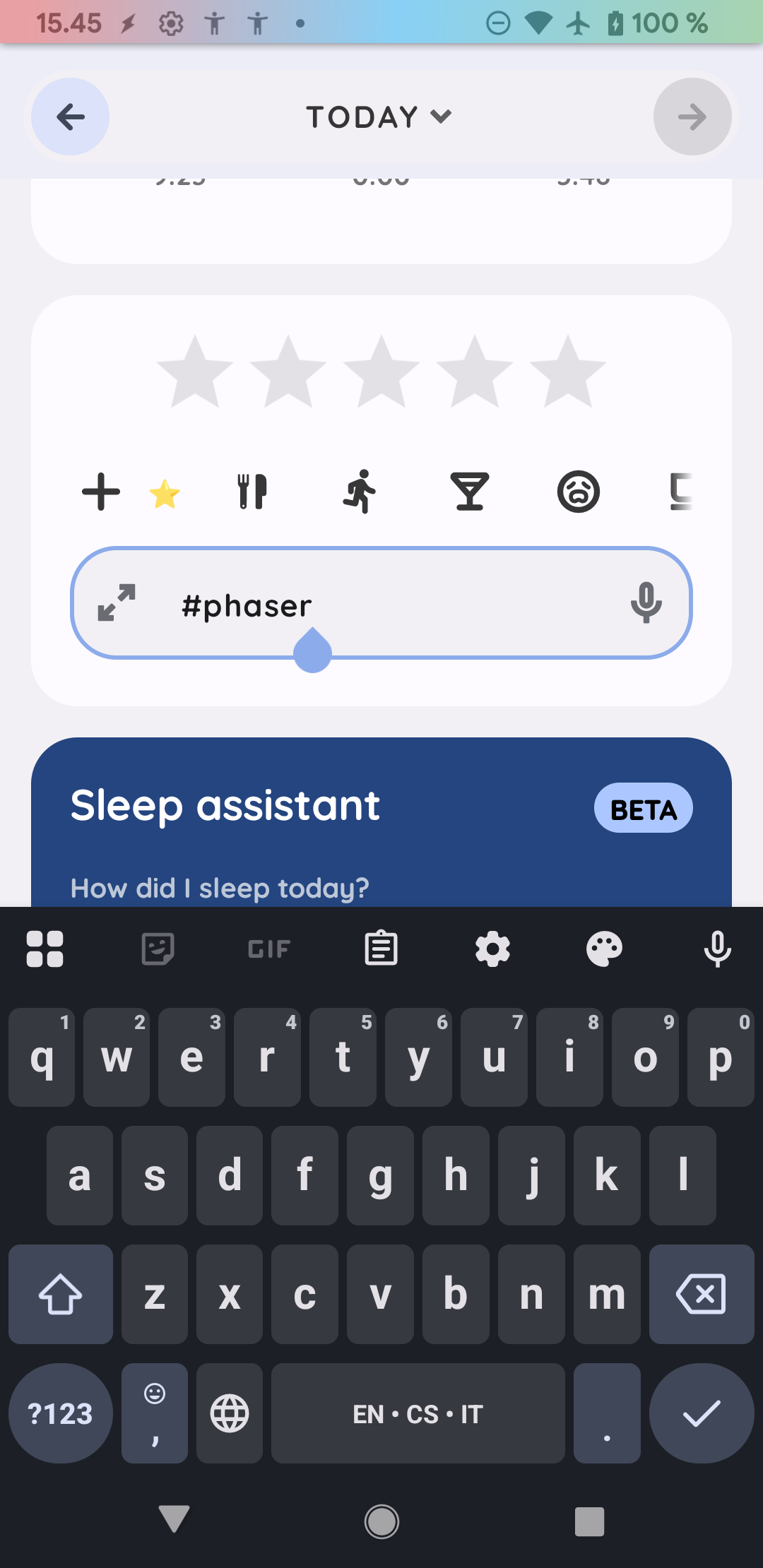
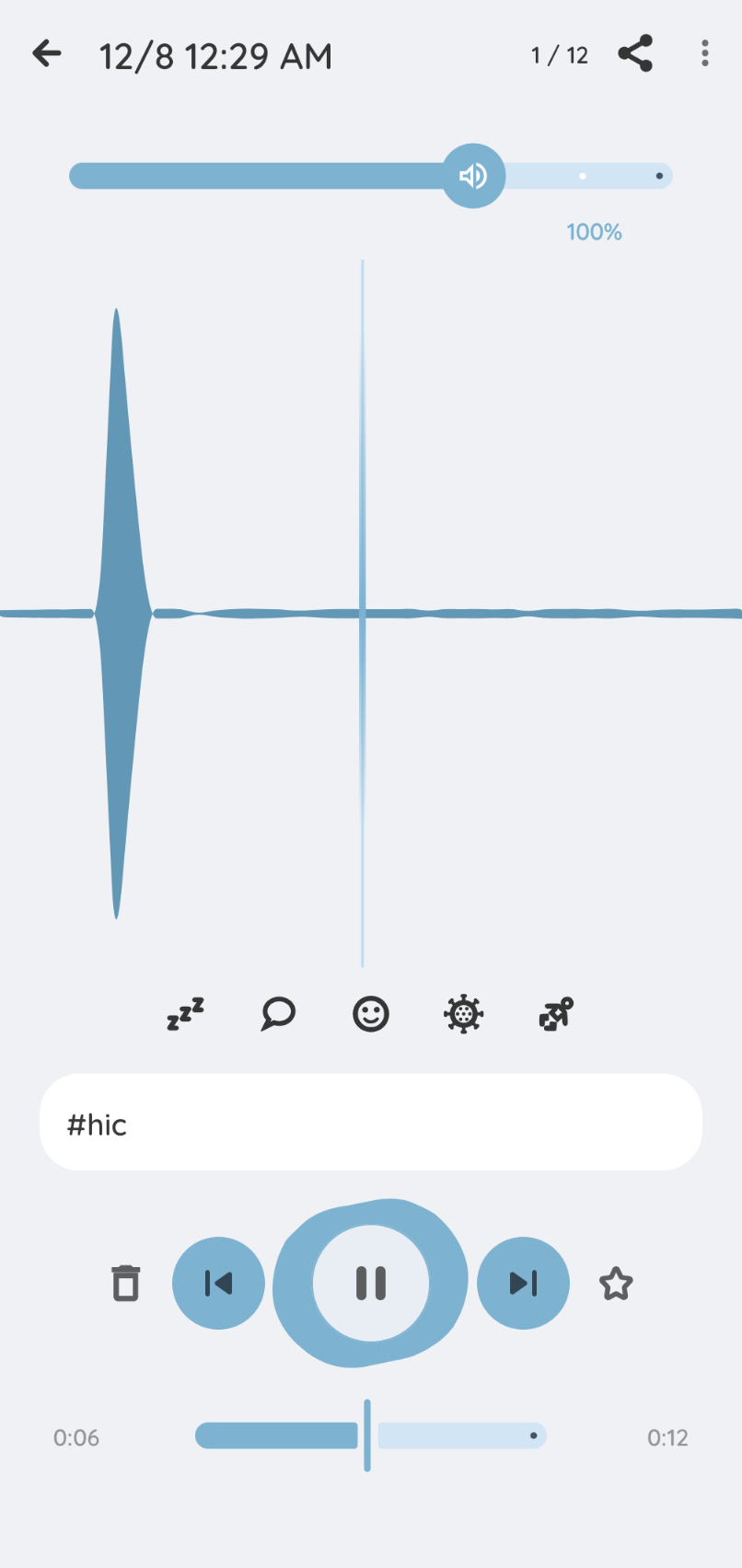
When activating the keyboard to type something like a tag on sleep recordings, the app doesn’t shift upwards so you can see the box you are typing in. You have to type blindly and then deactivate the keyboard to see what you typed.
Steps to reproduce:
Current version. Pixel 8 Pro. Click a sleep recording and the keyboard will overlap.
Version of Sleep as Android:
Started with version 20251124 and persists through 20251203. 20251104 is fine. I compared them side-by-side after I noticed it happening.
This issue doesn’t happen in any other app and has happened in Sleep as Android before. Perhaps a year ago or so.
The workaround is to split-screen with two apps with a different app on the bottom third of the screen so when the keyboard activates it covers up the second app.
Here’s a link to a screenshare video that shows both this issue and the workaround:
Hi @MS_Sleep, on which screen do you experience this? On the edit screen of the finished graph, or on the edit screen during the sleep tracking.
This is from the latest version 20251203. How does it look like on your device?
For voice recording, the keyboard is not used, but the voice is translated into text automatically. Are you typing the text while you dictate the information to the voicerecording?
The video on the link is not available:
Hi there. Can you please try the OneDrive link again? I just opened it in an incognito browser without issue. It’s the best way to show both scenarios. Here are two screenshots also.
I am not talking about the main screen tagging. That field is never far enough down the screen to be dusrupted by this issue. I’m talking about the tagging/notes field while listening to sleep recordings. I am using a traditional Android keyboard (GBoard).
Hope this helps!
Hi!
Whatever changed with the update to 20251203 on 12/9 appears to have fixed this bug. Just wanted to let you know!