Just in case anyone will face similar issue with Timer 
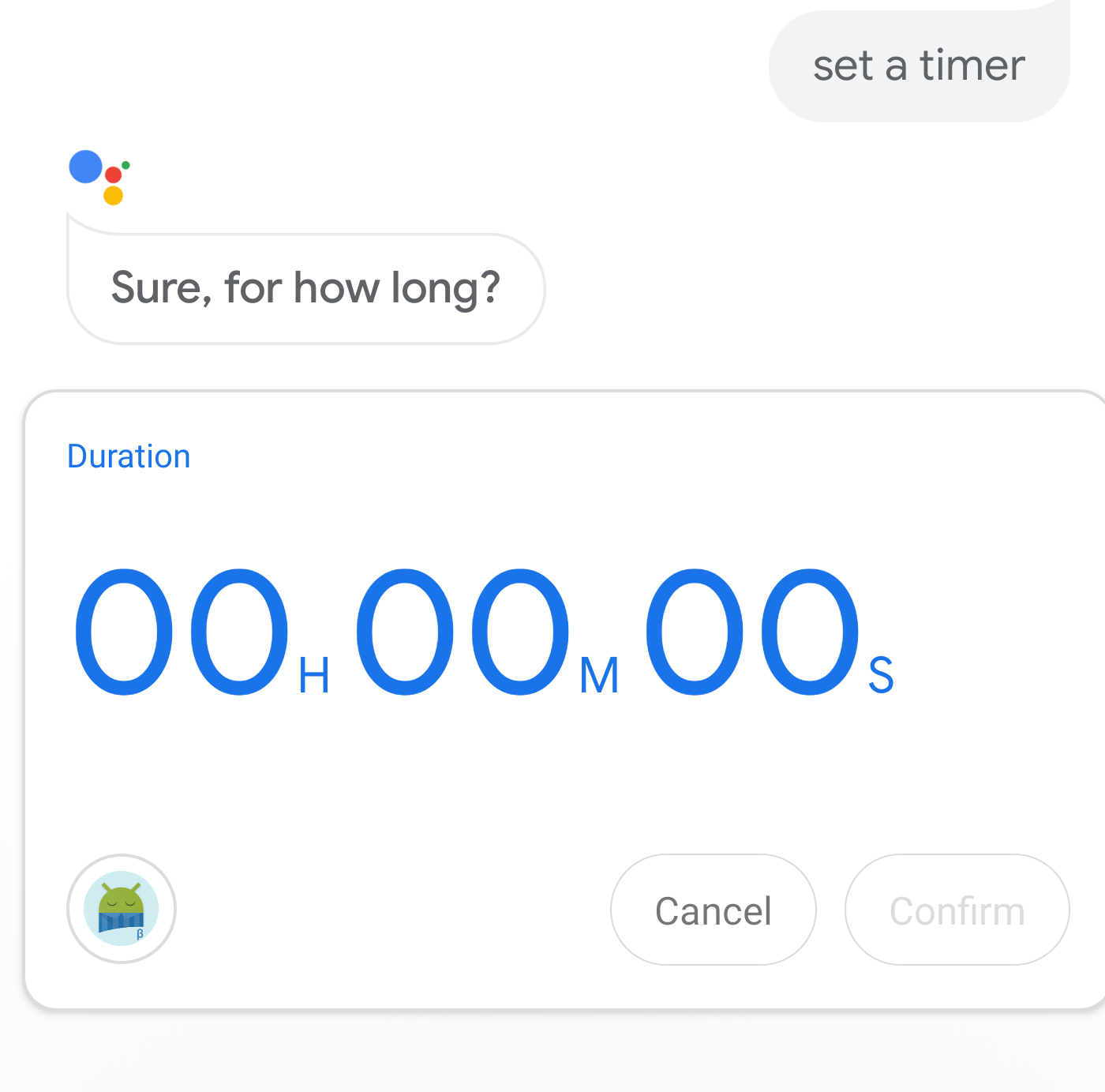
- Ask Google Assistant to set a timer
- It will come up with a timer and the Sleep as Android icon
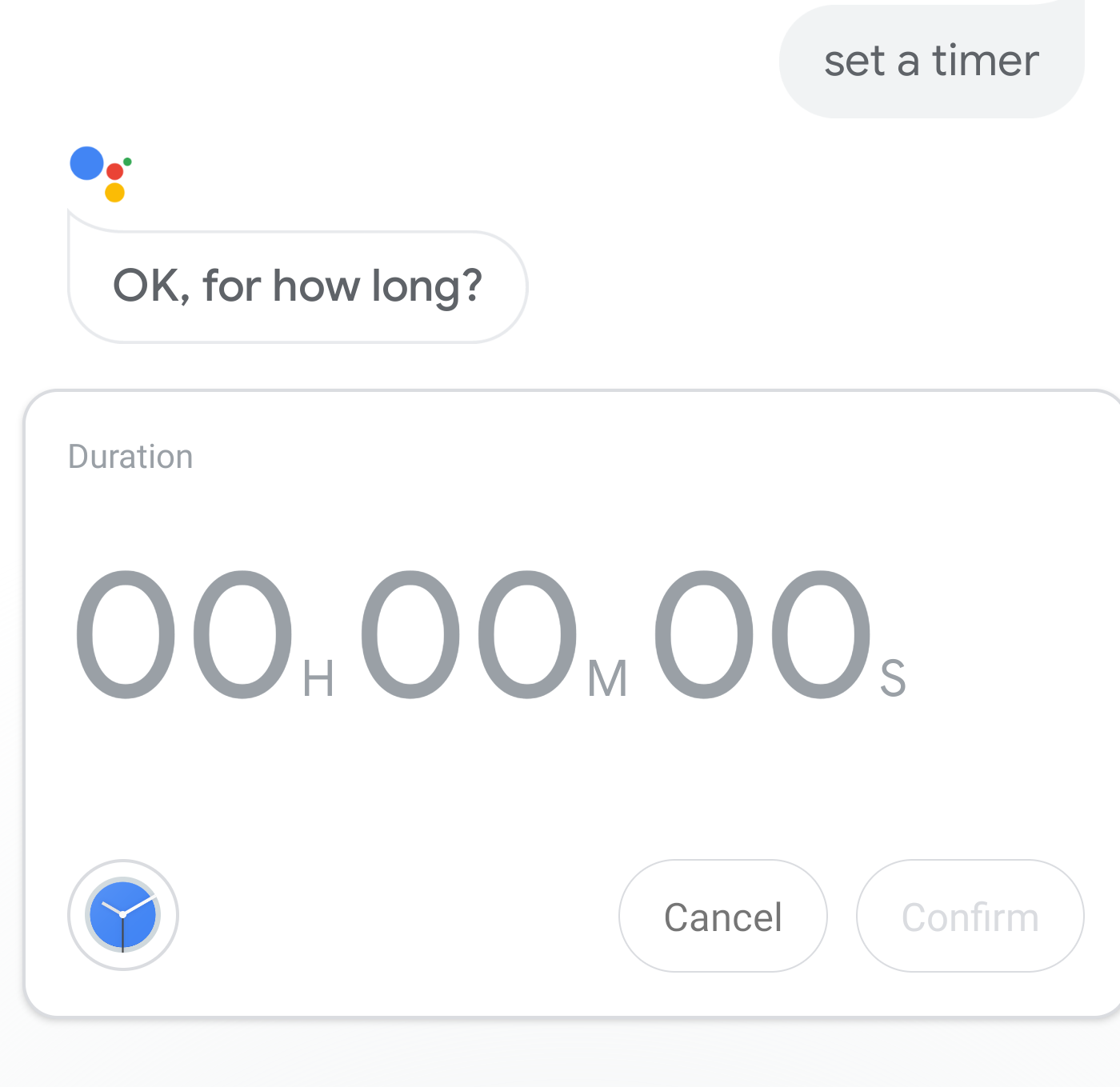
- Tap the icon and select the default Android Clock app
- Now you have to tap the time, select the duration of the alarm and tap confirm.
- Once you’ve done that, it remembers this setting for the future.
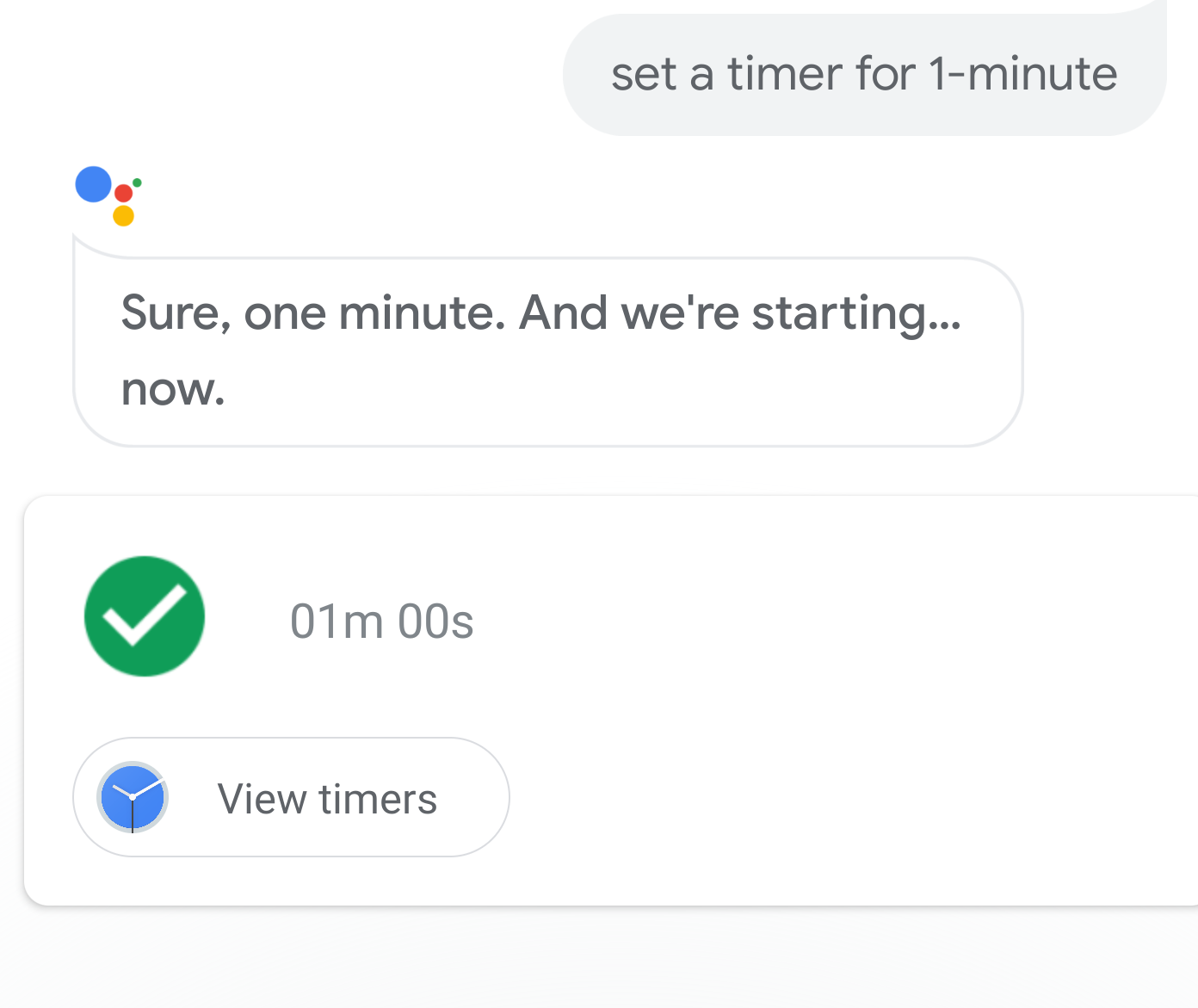
Please, do no not skip the step 4 - it won’t remember the change for the future.
with a help of our user Tiuri - thank you very much!