Hi, is the Garmin Venu 4 supported?
I can’t see it at https://raw.githubusercontent.com/urbandroid-team/Sleep-as-Android-Garmin-Addon/master/SleepGarmin-watch2/manifest.xml so assume not, but not sure if that’s just that it’s fairly new…?
Thanks
Hi @johnu, we have applied for the compatibility update of the new models. The request is waiting for Connect Store validation. It should be updated in a few days.
Thanks, Venu 4 is now showing as a supported model in Connect app store. 
I have another question, though.  In the app’s description, it says:
CAUTION: Alarms only work if you are sleep tracking using the watch.
To use, make sure to install in this order:
- Sleep as Android (https://play.google.com/store/apps/details?id=com.urbandroid.sleep)
- Sleep as Android - Garmin Addon (https://play.google.com/store/apps/details?id=com.urbandroid.sleep.garmin)
- Sleep watch starter for Sleep as Android (https://play.google.com/store/apps/details?id=com.urbandroid.watchsleepstarter)
- this watch app
However if I install the Sleep watch starter on my phone, it says it’s made for an older version of Android. Is this still required?
HI, sorry, we will be updating the Connect store description in a few days.
Only the Sleep app + Watch starter on the phone and the addon on the watch are needed.
The companion app on the phone is no longer required.
Great, thanks. It all seems to work. Thanks for your speedy responses!
You are welcome. If you encounter any troubles, you can use the Report a bug (Left ≡ menu → Support) from the app to send us the full report.
Thanks, and enjoy the weekend!
Hi, this is working reasonably well, and I know that support for Garmin watches is limited by what they will technically allow. However I need to force close and re-open Connect IQ to get sleep tracking to work. I submitted a bug report, but haven’t heard back, not sure if it was received, and just wondering if there are any suggestions on how to make this a bit more stable? Thanks
Quick update: I didn’t have “Sleep Watch starter” set to unrestricted battery settings. (I had previously looked for it in Settings/Apps under the name “Watch/Phaser Starter for Sleep” and hadn’t found it.)
Things seem to be a bit more reliable now but I’ll test further.
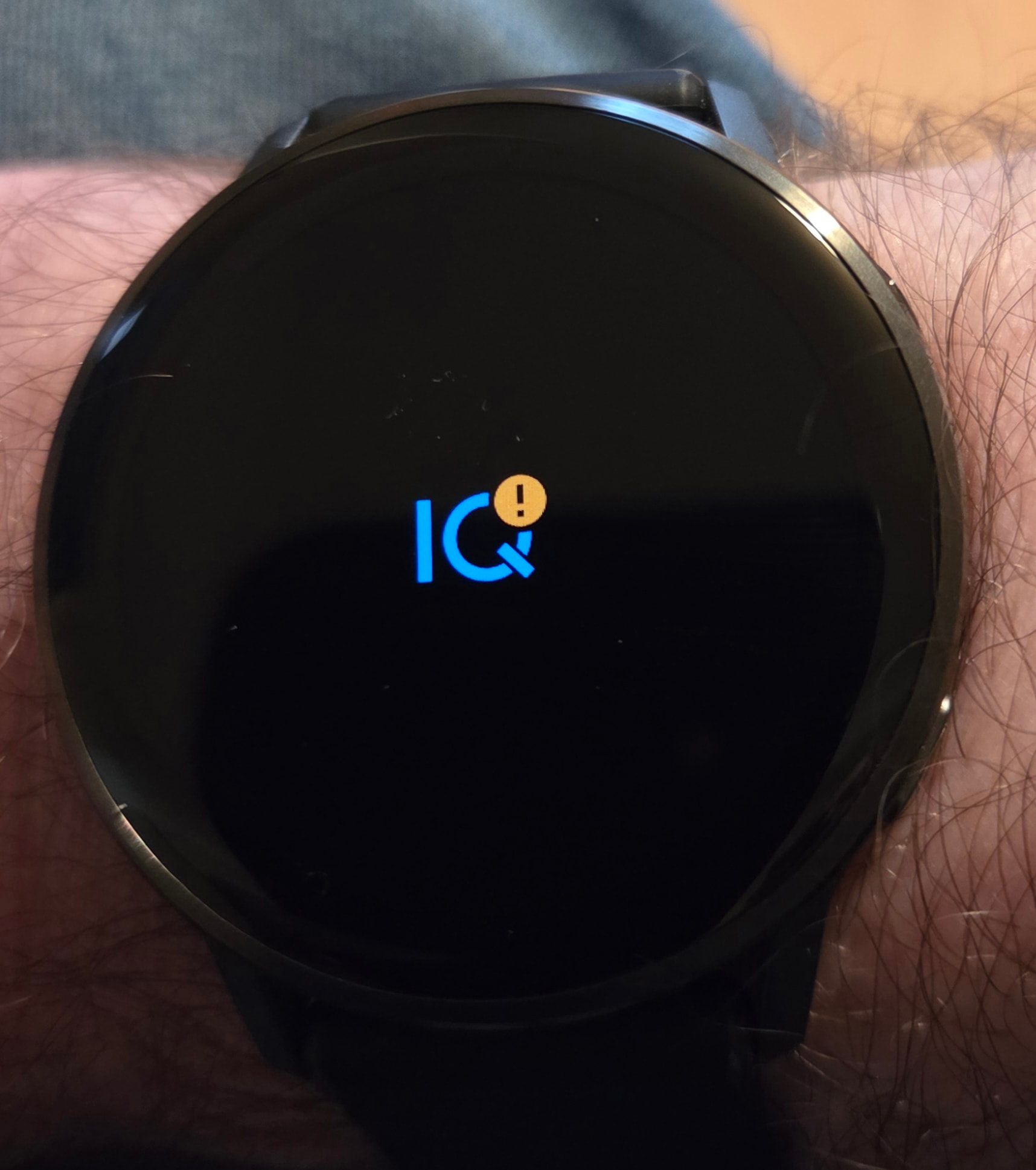
Hi, do you see any error message (or the exclamation mark on the watch) when the communication freezes? Try de-optimizing also the BT app; the settings for this are a little hidden.
Thanks. Yes, there is an exclamation mark on the watch when it freezes, no error messages on the phone.
The system Bluetooth app is set to unrestricted battery. So are Connect, Connect IQ, and of course SAA and “Sleep tracking from watch”.
The Garmin addon is not installed.
Also, even when I get tracking working, I’m not sure how well it’s working to track sleep stages - it very rarely captures heart rate, though it does sometimes!
With all the testing to try to get things working, I’m no longer sure if I installed things in the correct order as mentioned in the app description on the IQ store, is that order still required? I’ll reinstall in the correct order and keep trying.
If you have any further suggestions I’d be grateful.
Is the exclamation mark on the Sleep companion app or on the Connect app?
You need the main app + Watch starter on the phone (both from the Play Store), and companion app on the watch (from the Connect store).
Also, even when tracking starts, it often stops collecting HR data after about 20-30 mins. Assuming this is a problem on the phone side of things, which apps are part of the data relay chain? I can set 3 of them to “keep open”, I had SAA set already, have added Garmin Connect and the Watch Starter.
Is the Watch starter app part of ongoing data transmission or is it only used when tracking starts?
Lastly, is this thread still relevant?
Or has it been superseded by more recent versions of all apps?
Thanks!
Hi, the unfixed bugs in the Garmin API are still sadly relevant. Only a fraction of the issues we reported were fixed (years ago). We were able to workaround some issues from our side with some reverse engineering, but our options are severely limited. Since the API does not allow direct integration and we have to route everything via the Connect app as a middleman, we cannot implement changes that might break the communication with the Connect app. We really hope Garmin will one day provide a full, open API for integrations.
We are really trying our best, but the options are limited, and the integration is not optimal.
The clugged communication usually results in the Connect IQ warning exclamation mark.
Is the Bluetooth app also unoptimized? Having the BT set as unrestricted can prevent random disconnections.
The lost HR is quite unusual. If the movement data flow continues, it is strange tthat he other type of data is lost. Have you noticed if the green diodes are active around the end of the tracking?
Can you send your logs? I will check if the loss of the HR data is not linked to resumed tracking, or if there is some crash or bug reported.
Is there any pattern when this happens? Like after x minutes, around the same time, the way the tracking started…?
Left ≡ menu → Support → Report a bug (ideally after this happens).